Tell Gib your setup
Choose your system, current free space, and how much you want to add.
Running out of game space? Find compatible SSDs, hard drives, expansion cards and microSD cards for PS5, Xbox Series X|S, Nintendo Switch 2, Steam Deck and PC. Gib helps you understand what actually works.
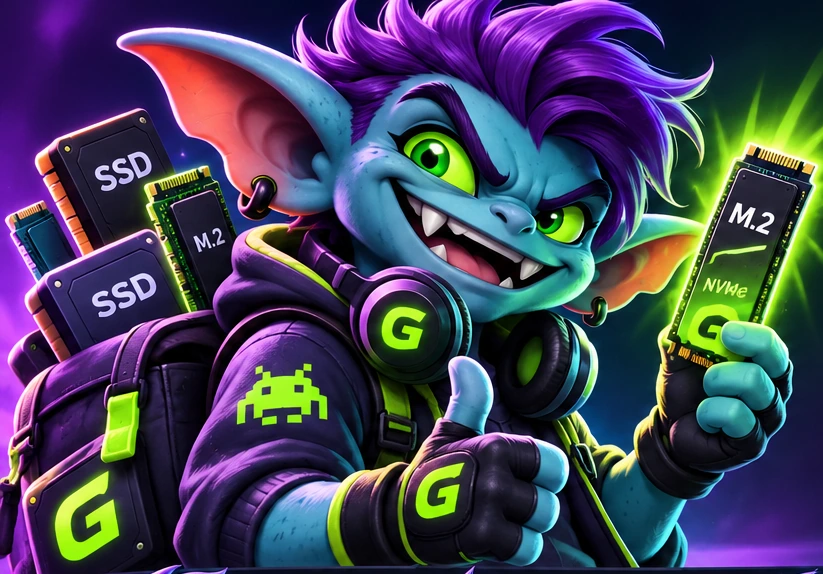
Different systems need different storage. Pick yours for straightforward advice before you buy.
Not sure where to begin? Browse all GigGoblin storage guides →
Three quick questions. One less gaming headache. Gib will do the math.
Build a game wishlist and see how much space your picks might need. Select games below and Gib will add them to your storage calculation.
Gib cares about compatibility more than commissions. Always.
Choose your system, current free space, and how much you want to add.
Our calculator checks your goal against platform-specific storage categories.
See compatible storage types and illustrative capacities; live offers are coming later.
Quick answers for gamers who just want to install another game.
No. Compatible USB drives can store PS5 games, but you must move them back to console storage or a compatible M.2 SSD to play. Learn about PS5 storage.
Most games optimized for Xbox Series X|S need the internal SSD or a compatible expansion card to play directly. USB drives are useful for storing games and for playing many older Xbox titles. Compare Xbox storage types.
For expandable game storage, Nintendo Switch 2 requires microSD Express. A standard microSD card isn't the same thing. Learn what the card markings mean.
That depends on your existing free space, the games you keep installed, and your budget. Use the GigGoblin Storage Finder to estimate the capacity you need rather than buying the biggest drive automatically.
Checking storage categories and doing the math.